.png?fit=max&auto=format&n=z7mn2_Xnb9V482Ot&q=85&s=a7da8ae8f848315623c283d39843d7f2)
.png?fit=max&auto=format&n=z7mn2_Xnb9V482Ot&q=85&s=b93021eebe7a4c4147a406759ca21037)
Before you start
You’ll need each of these set up on Google’s side before Rey can build and submit your app.Google Play Developer account
Enroll in the Google Play Console (one-time $25 USD fee).
Package name
Choose a unique application ID for your app.
App record in the Play Console
Create the Play Store listing your builds will be uploaded to.
Google service account key
A JSON key so Rey can publish on your behalf.
Configure Android deployment
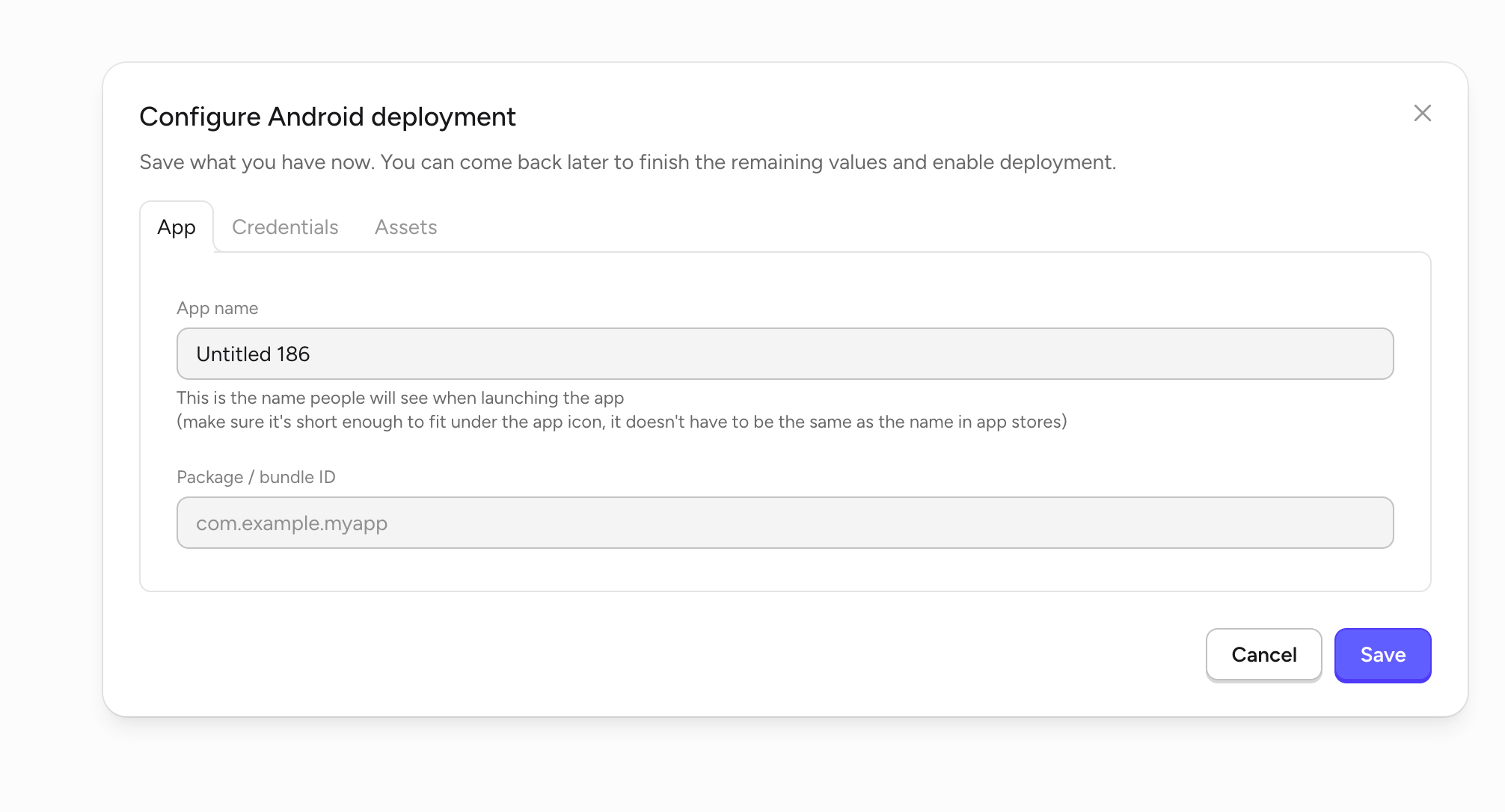
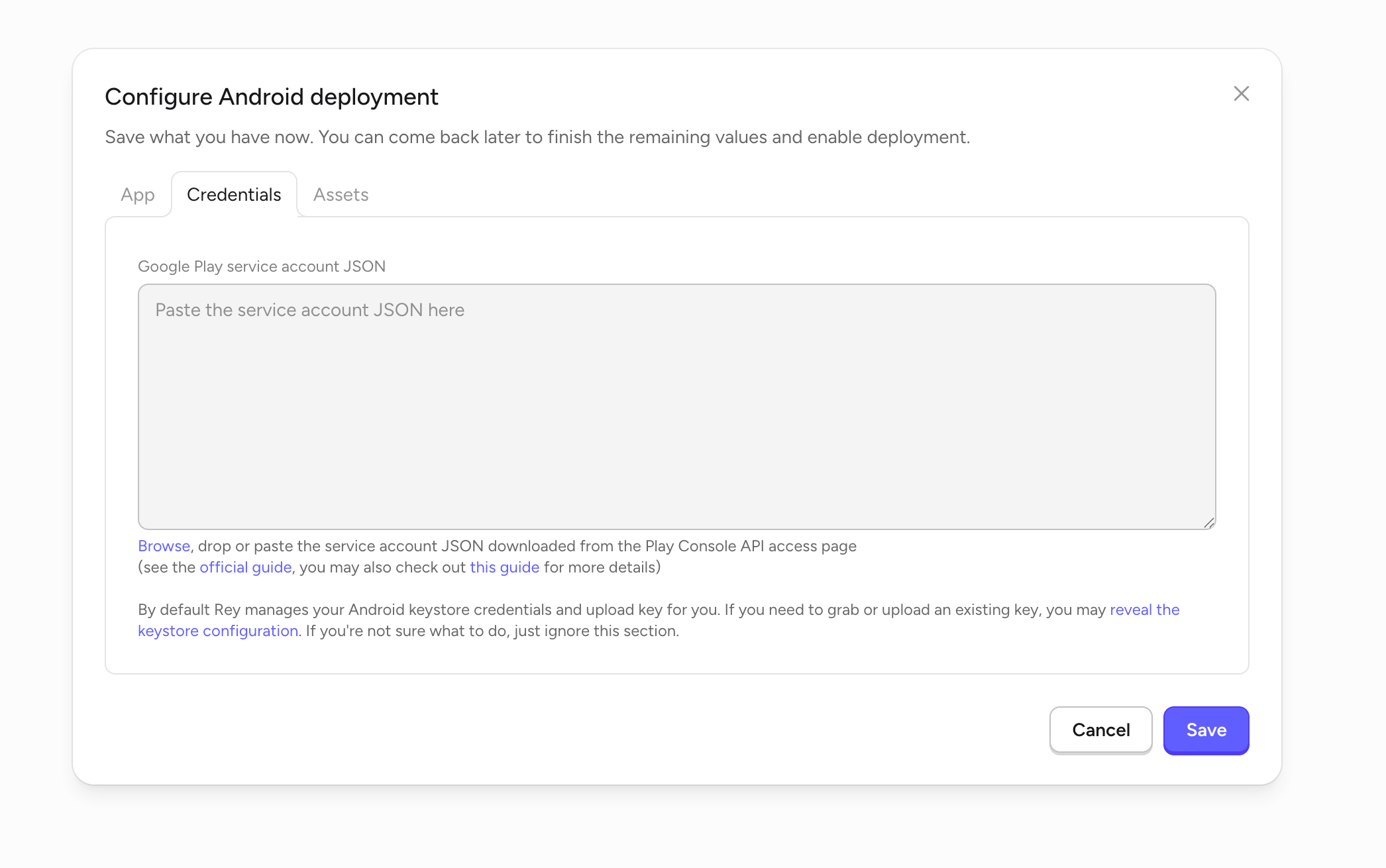
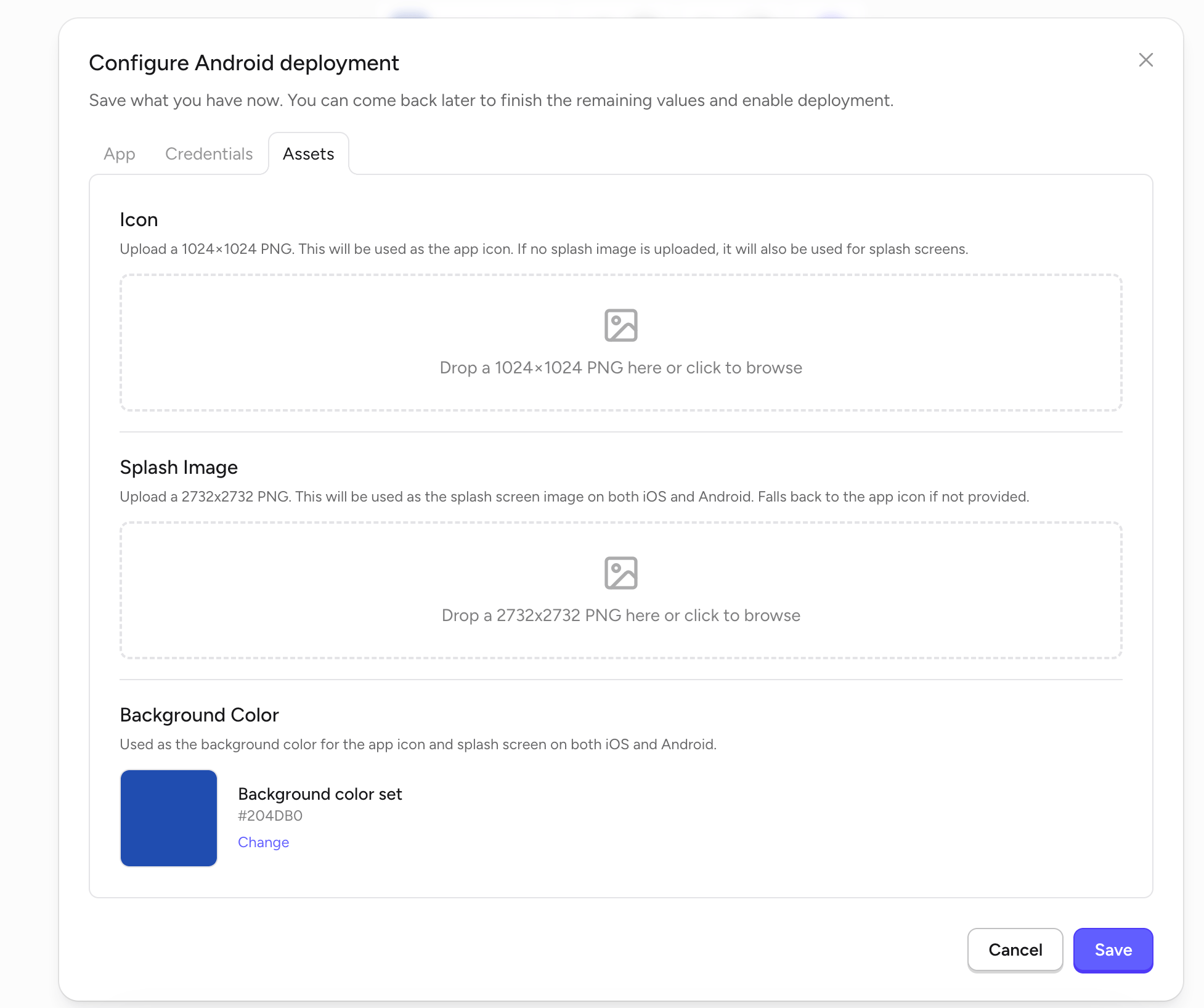
Open your app in Rey, click Publish in the top toolbar, and choose Android. The Configure Android deployment dialog has three tabs — App, Credentials, and Assets. You can save partially and come back later.- App
- Credentials
- Assets
Submit your app
1
Fill out all three tabs
Complete App, Credentials, and Assets in the Configure Android deployment dialog, then click Save.
2
Click Publish to Google Play
Rey builds your Android app, signs it, and uploads it to the Play Console.
3
Finish the listing in the Play Console
Log in to the Play Console to add screenshots, feature graphic, description, category, and content rating, then submit for review.
4
Monitor your review status
Initial Play Store reviews typically complete within a few hours to 3 business days.